Send email invitations to unregistered residents in Rent Cafe
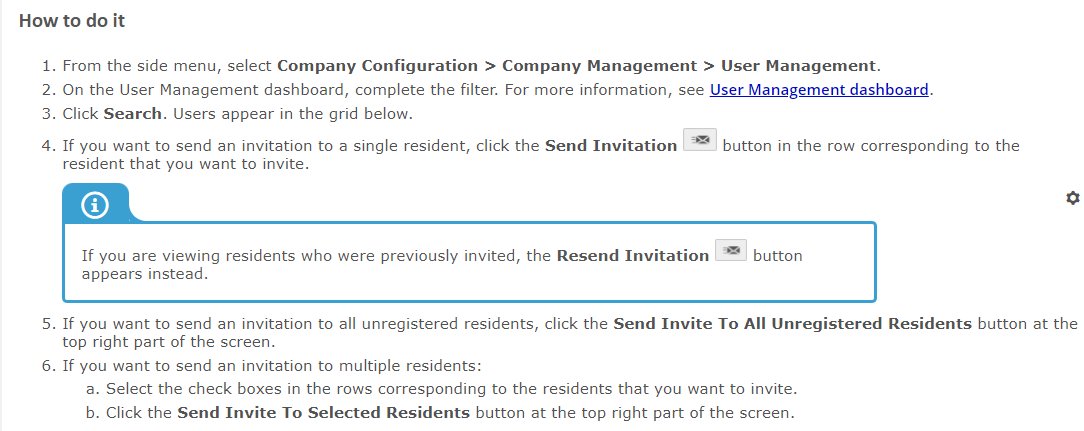
If a resident already has a record in Voyager with a valid email address, you can invite them to log in to Resident Portal. You can invite a single resident, multiple residents, or all unregistered residents at once from the User Management dashboard in Site Manager.
If a resident was previously invited to log in to their resident portal, and they have not yet signed in, you can resend the invitation email to the resident.
Related Articles
Creating Applications In Rent Cafe for Applicants
Site managers can create an application in Rent Cafe for applicants within Site Manager by following these steps: Steps to Create an Application Navigate to the Compliance Dashboard: Go to the Compliance Dashboard. Click on Search All. Select Create ...Rent cafe -pre-configured email audience and auto responders
New Email Management Welcome to the next version of Email Management. Here's how to get started: On the Activity tab, view and manage sent, scheduled, and draft emails. On the Templates tab, compose the content for emails that your company manually ...Registering for Resident Portal as a resident in Rent Cafe
When prospects apply through online leasing, they are automatically registered for a Resident Portal account. Residents who are currently living at your property but are not registered for resident services can still register for Resident Portal from ...Locating resident email addresses in Rent Cafe
The email address that a resident provides when they register for Resident Portal becomes the resident’s username. You can find a resident's email address on the User Management dashboard or the Preview Resident Services screenPayment Activity report (Rent Cafe )
Generating the Payment Activity report Use the Payments report to view: One-time payments that guests, guarantors, or residents have made. Recurring payment schedules that residents or guarantors have set up. Recurring payments themselves do not ...